Introduction: More Than Just a Charting Tool
In today’s fast-moving financial markets, traders and investors rely heavily on technology to make informed decisions. Among the many platforms available, TradingView has emerged as one of the most widely used tools for technical analysis and market monitoring. But beyond its popularity, an important question remains: How practical is TradingView in real trading and market analysis scenarios?
This article explores the real-world usefulness of TradingView, examining how its features support practical trading workflows, market analysis accuracy, and decision-making across different asset classes—without falling into the trap of treating it as a “magic solution.”
Understanding TradingView’s Role in Modern Trading
TradingView is best described as a web-based charting and analysis platform rather than a traditional trading terminal. While it does offer broker integration, its main strength lies in visualization, technical tools, and collaborative market insights.
For traders who need real-time market analysis using TradingView, the platform acts as a centralized dashboard where price data, indicators, and ideas converge. This makes it especially useful for discretionary traders, swing traders, and analysts who rely on visual confirmation before entering trades.
Charting Accuracy and Real-Time Market Analysis
Advanced Charting Tools for Practical Use
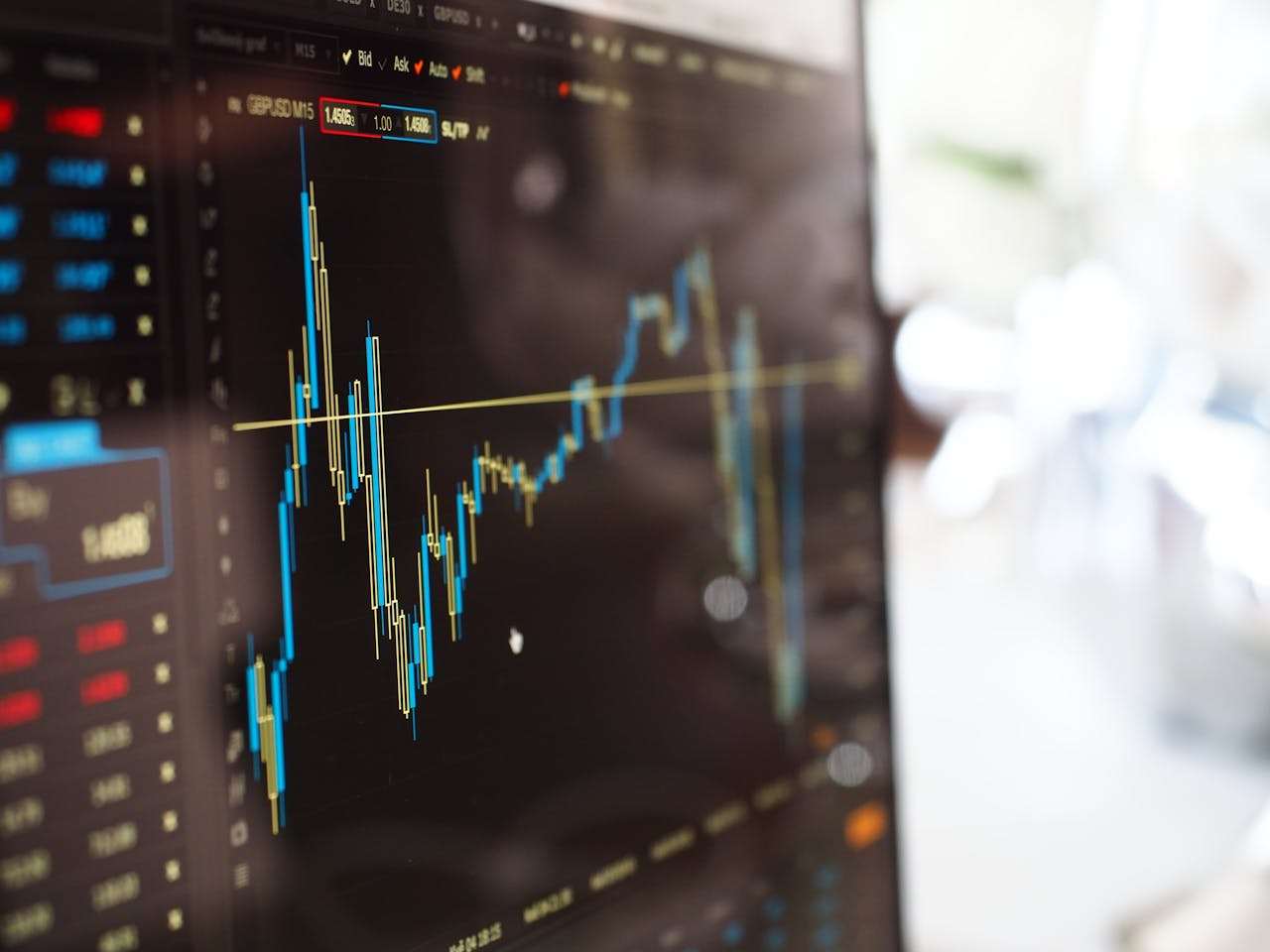
One of the most practical aspects of TradingView is its charting engine. Users can access multiple chart types—candlestick, Heikin Ashi, Renko, Line Break, and more—allowing traders to adapt analysis to their strategy.
In real trading scenarios, accurate charting on TradingView for technical analysis helps traders:
- Identify trend direction with clarity
- Spot key support and resistance zones
- Analyze market structure across multiple timeframes
The ability to save layouts and switch quickly between assets is a major advantage during volatile market conditions.
Multi-Timeframe and Multi-Asset Analysis
Professional traders often analyze the same instrument across several timeframes. TradingView allows seamless multi-timeframe market analysis, which is crucial for aligning short-term entries with long-term trends.
Additionally, traders who operate across stocks, forex, crypto, and commodities benefit from cross-market analysis using TradingView, reducing the need for multiple platforms.
Indicators, Custom Scripts, and Strategy Testing
Built-in Indicators for Everyday Trading
TradingView offers hundreds of built-in technical indicators, including RSI, MACD, Bollinger Bands, VWAP, and volume-based tools. For most traders, these are more than sufficient for daily decision-making.
In practical terms, using TradingView indicators for real trading allows traders to:
- Confirm momentum and trend strength
- Filter false breakouts
- Improve entry and exit timing
The platform’s clean interface also makes indicator customization easy, even for non-technical users.
Pine Script and Custom Strategy Development
For advanced users, Pine Script adds another layer of practicality. Traders can build custom indicators or automate signal logic without needing full-scale programming knowledge.
This makes strategy testing on TradingView using Pine Script particularly valuable for:
- Validating ideas before risking capital
- Comparing multiple strategies on historical data
- Refining rule-based trading systems
While backtesting results should never be treated as guaranteed performance, they offer useful insights into strategy behavior.
TradingView in Live Trading Environments
Broker Integration: Convenience vs. Limitations
TradingView supports direct trading through selected brokers. This feature improves workflow efficiency, especially for traders who want to analyze and execute from one interface.
However, in real-world use, TradingView broker integration for live trading has limitations:
- Fewer supported brokers compared to dedicated trading terminals
- Limited order types depending on the broker
- Less advanced risk management tools than professional platforms
As a result, many traders use TradingView for analysis while executing trades on separate platforms.
Execution Speed and Reliability
TradingView is generally reliable for chart updates and alerts, but it is not designed for high-frequency or ultra-low-latency trading. Scalpers and algorithmic traders may find it less practical for execution-critical strategies.
That said, for manual trading and swing trading with TradingView, the platform performs consistently well.
Alerts and Risk Management in Real Trading
One of the most practical features of TradingView is its alert system. Traders can set alerts based on price levels, indicator conditions, or custom scripts.
In real trading conditions, TradingView price alerts for risk management help traders:
- Avoid constant screen-watching
- React quickly to market movements
- Maintain discipline during volatile sessions
This feature is especially valuable for part-time traders or investors managing multiple positions.
Social and Educational Value for Market Analysis
Community Ideas and Market Sentiment
TradingView’s social component allows users to publish charts, forecasts, and trade ideas. While not all shared ideas are high quality, they provide insight into market sentiment analysis using TradingView community tools.
For beginners, this exposure can accelerate learning. For experienced traders, it offers alternative perspectives—useful when combined with independent analysis.
Learning Through Observation
The ability to follow experienced analysts, study annotated charts, and observe different strategies adds educational value. This makes TradingView practical not only as a tool, but also as a learning environment for technical analysis.
Limitations of TradingView in Real Trading
Despite its strengths, TradingView is not without drawbacks:
- Not ideal for high-frequency or automated trading
- Limited fundamental data compared to institutional platforms
- Backtesting does not account for slippage or liquidity issues
Understanding these limitations is essential to using TradingView realistically and responsibly.
Conclusion: Is TradingView Practical for Real Trading?
The practicality of TradingView depends largely on how it is used. As a market analysis and charting platform, it is exceptionally powerful, flexible, and accessible. For discretionary traders, analysts, and investors, TradingView provides nearly everything needed to analyze markets effectively.
However, it should be viewed as a decision-support tool, not a complete trading solution. When combined with solid risk management, broker execution, and trader discipline, TradingView proves highly practical in real trading and market analysis scenarios.
In short, TradingView does not replace trading skill—but it significantly enhances the trader’s ability to see, analyze, and respond to the market with clarity and confidence.